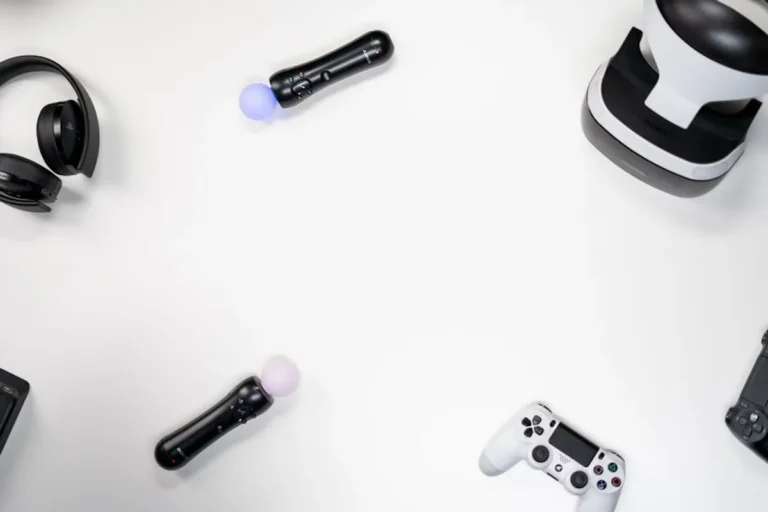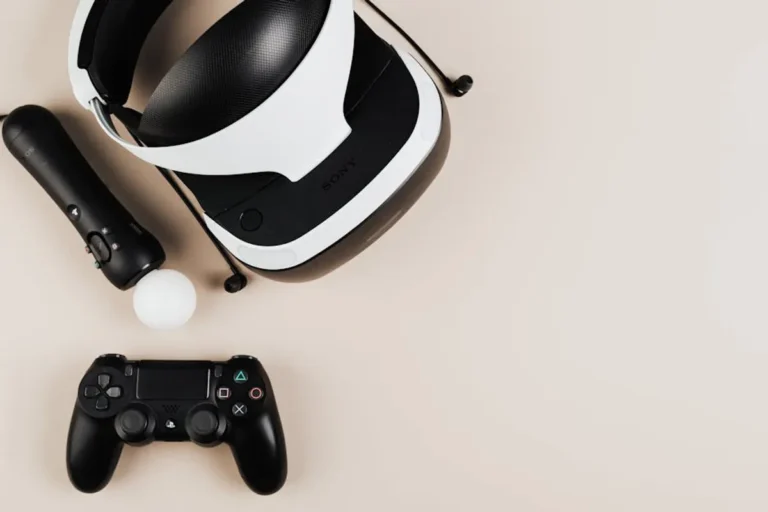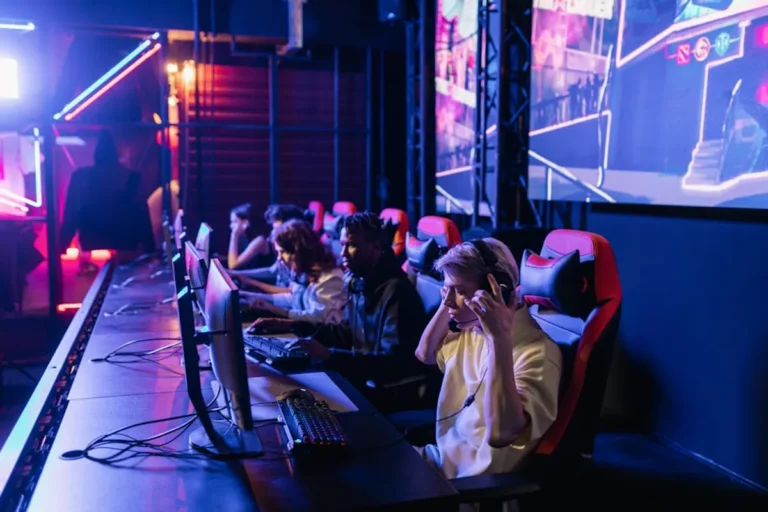
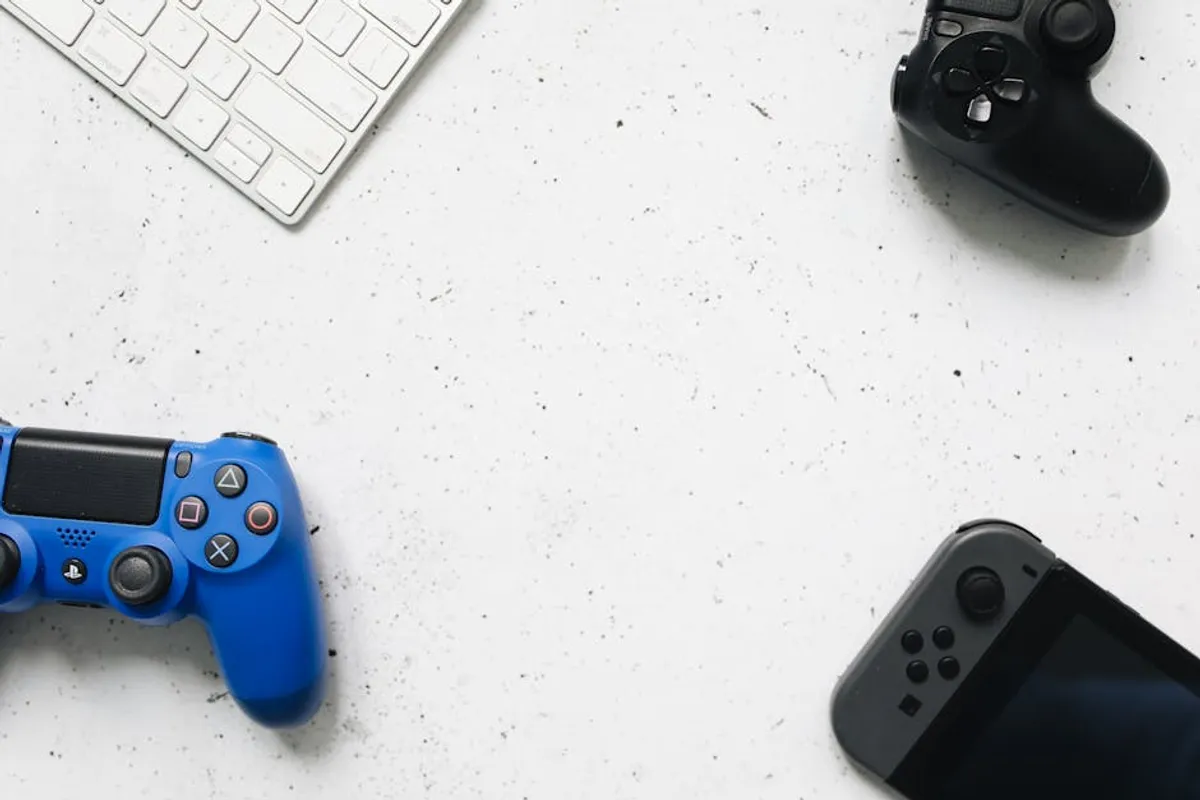
Navigating the world of gaming accessories can feel overwhelming, particularly for casual players who prioritize enjoyment and comfort over competitive edge. Unlike professional esports enthusiasts who meticulously optimize every millisecond of input lag or refresh rate, casual gamers seek gear that enhances immersion, streamlines their setup, and remains comfortable through extended play sessions, all without breaking the bank. The focus shifts from peak performance metrics to user-friendliness, reliable functionality, and a tangible improvement in the overall gaming experience. This guide cuts through the technical jargon to highlight accessories that truly matter for those who play for fun, offering practical insights into choices that elevate casual gaming without unnecessary complexity or expense.
What to Look For in Casual Gaming Accessories
When selecting gaming accessories as a casual player, several core principles should guide your decisions. First, prioritize comfort and ergonomics. Long gaming sessions, even casual ones, can lead to fatigue or strain if your mouse, keyboard, or headset isn't designed for sustained use. Look for adjustable features, breathable materials, and shapes that naturally fit your hand or head. Second, consider ease of use and setup. Wireless options can reduce cable clutter and offer more freedom, but ensure they provide stable connectivity without complex pairing processes. Simplicity in software and button layouts is also beneficial, avoiding unnecessary customization layers. Third, assess compatibility across your preferred platforms, whether PC, console, or mobile, to ensure your investment serves multiple purposes. Finally, value for money is crucial. Casual players don't need top-tier, professional-grade equipment. Instead, seek accessories that offer a strong balance of performance, durability, and features at an accessible price point, focusing on core functionalities that genuinely enhance your specific gaming habits.
1. Wireless Gaming Headset
A quality wireless gaming headset is foundational for casual players, offering both immersive audio and clear communication without the tether of cables. These headsets prioritize comfort for extended wear, typically featuring plush earcups and adjustable headbands. Sound profiles are generally balanced, delivering clear in-game audio cues and rich environmental sounds, while integrated microphones ensure your voice comes through clearly to teammates or friends in party chat. The wireless freedom allows for movement away from the screen without interrupting audio, a significant convenience for casual setups.
Best for: Players who value untethered comfort, clear voice chat, and immersive sound for a wide range of games, from story-driven adventures to cooperative multiplayer.
Pros:
- Enhanced freedom of movement due to wireless connectivity.
- Improved immersion through dedicated gaming audio.
- Clear communication with friends via integrated microphone.
- Often designed for superior comfort during long sessions.
Cons:
- Requires periodic charging, which can interrupt play if not managed.
- Potential for minor audio latency compared to wired options, though often imperceptible to casual users.
- Higher cost than comparable wired alternatives.
Verdict: A solid wireless headset significantly elevates the casual gaming experience by combining audio quality, communication clarity, and unmatched comfort without the hassle of cables. Choose one with reliable battery life and a comfortable fit for your head size.
2. Ergonomic Wireless Gaming Mouse
An ergonomic wireless gaming mouse provides a comfortable and responsive interface for PC gaming, crucial for casual players who might spend hours clicking and navigating. These mice are designed to fit the hand naturally, reducing strain over time, and often feature programmable buttons for common in-game actions or shortcuts. Wireless technology eliminates cable drag, contributing to smoother movements, while reliable sensors ensure accurate tracking across various surfaces. The focus here is on consistent performance and hand comfort, rather than extreme DPI settings or lightweight competitive designs.
Best for: PC gamers seeking comfortable, precise control for strategy games, RPGs, or casual shooters, prioritizing long-term comfort and reliable wireless performance.
Pros:
- Reduces hand and wrist fatigue during extended play.
- Offers freedom of movement without cable interference.
- Provides precise tracking for improved in-game control.
- Often includes customizable buttons for convenience.
Cons:
- Requires battery management (charging or replacement).
- Can be heavier than ultra-light wired alternatives.
- Higher initial investment compared to basic wired mice.
Verdict: A well-designed ergonomic wireless mouse offers a noticeable upgrade in comfort and control for PC gaming, making long sessions more enjoyable. Look for a shape that fits your hand and a sensor that provides consistent tracking.
3. Tenkeyless (TKL) Mechanical Keyboard
A Tenkeyless (TKL) mechanical keyboard strikes an ideal balance for casual gamers, offering the tactile feedback and durability of mechanical switches without the bulk of a full-sized keyboard. By omitting the numeric keypad, TKL keyboards save desk space, allowing for more expansive mouse movements and a more natural arm posture. The mechanical switches provide a satisfying typing and gaming experience, with options like "brown" switches offering a quiet tactile bump that's less disruptive than clicky alternatives. This form factor prioritizes core functionality and desk ergonomics over niche features.
Best for: PC gamers who want the responsive feel of mechanical switches and a space-saving design, enhancing both gaming and general computer use.
Pros:
- Mechanical switches offer superior tactile feedback and durability.
- Compact TKL design saves desk space and improves ergonomics.
- Faster and more accurate key presses compared to membrane keyboards.
- Often features customizable RGB lighting for personalization.
Cons:
- Lacks a dedicated numeric keypad, which can be inconvenient for some applications.
- Can be louder than membrane keyboards, depending on switch type.
- Generally more expensive than non-mechanical alternatives.
Verdict: A TKL mechanical keyboard is a worthwhile investment for casual PC gamers, providing a robust, responsive, and space-efficient input device that enhances both gameplay and desk aesthetics.
4. Extended Mouse Pad
An extended mouse pad, often stretching across the entire desk beneath both keyboard and mouse, offers a consistent and expansive surface for mouse movement. This eliminates the issue of running off the edge of a smaller pad during intense moments or needing to reposition frequently. Beyond providing a smooth, low-friction surface for optical and laser sensors, these pads protect your desk from wear and tear, dampen keyboard noise, and provide a comfortable resting place for your wrists and forearms. Their large size also contributes to a cleaner, more unified desk aesthetic.
Best for: Any PC gamer looking for consistent mouse tracking, desk protection, and improved comfort across their entire setup.
Pros:
- Provides a vast, consistent surface for unrestricted mouse movement.
- Protects the desk surface from scratches and wear.
- Adds a layer of comfort for wrists and forearms.
- Can dampen keyboard noise and improve desk aesthetics.
Cons:
- Requires more desk space than standard mouse pads.
- Can accumulate dust and require occasional cleaning.
- May not be necessary for gamers with very high mouse sensitivity.
Verdict: An extended mouse pad is a simple yet impactful upgrade, offering tangible benefits in mouse control, comfort, and desk organization for any casual PC gamer.
5. 1080p 144Hz Gaming Monitor
A 1080p 144Hz gaming monitor represents the sweet spot for casual players, delivering a significantly smoother visual experience than standard 60Hz displays without the high cost or demanding hardware requirements of 1440p or 4K. The 144Hz refresh rate reduces motion blur, making fast-paced games appear more fluid and responsive, which enhances immersion and reaction time. Paired with a good response time (typically 1ms or 5ms), these monitors provide crisp visuals for an enjoyable gaming session without needing a top-tier graphics card. IPS panels are often preferred for their superior color accuracy and wider viewing angles.
Best for: PC gamers seeking a noticeable upgrade in visual fluidity and responsiveness for all game genres, without compromising on budget or requiring extreme hardware.
Pros:
- Significantly smoother gameplay compared to 60Hz monitors.
- Improved responsiveness and reduced motion blur.
- Accessible price point for a substantial visual upgrade.
- 1080p resolution is less demanding on graphics cards.
Cons:
- Not as sharp as 1440p or 4K monitors.
- Requires a graphics card capable of hitting 144 frames per second at 1080p for full benefit.
- Can be a larger initial investment than a basic office monitor.
Verdict: Upgrading to a 1080p 144Hz monitor offers one of the most impactful visual enhancements for casual PC gaming, making every game feel more fluid and engaging.
6. Multi-Platform Wireless Controller
For many casual gamers, especially those who prefer console-style gameplay or specific genres like fighting games, racing sims, or platformers, a multi-platform wireless controller is indispensable. Modern controllers offer robust wireless connectivity, ergonomic designs that minimize hand fatigue, and familiar button layouts. Compatibility with PC, and sometimes even mobile devices, makes these controllers versatile, allowing players to seamlessly switch between platforms or enjoy controller-friendly games on their computer. The tactile feedback from rumble features further enhances immersion.
Best for: Gamers who enjoy a wide variety of genres, prefer controller-based input, and seek cross-platform compatibility for flexible gaming sessions.
Pros:
- Familiar and comfortable input for many game types.
- Wireless connectivity offers freedom and reduces cable clutter.
- Broad compatibility with PCs, consoles, and some mobile devices.
- Haptic feedback enhances immersion.
Cons:
- Requires periodic charging or battery replacement.
- Not ideal for precision-focused genres like competitive FPS or RTS games.
- Some games may require additional software for full compatibility on PC.
Verdict: A quality multi-platform wireless controller is a core accessory for casual players, providing comfort, versatility, and an intuitive way to enjoy a vast library of games.
7. Entry-Level Ergonomic Gaming Chair
An entry-level ergonomic gaming chair moves beyond basic office seating to provide targeted support and comfort for extended gaming sessions. Unlike purely aesthetic "racing-style" chairs, ergonomic models prioritize adjustable lumbar and neck support, breathable fabrics, and a sturdy build to promote better posture and reduce discomfort. While they may lack the extensive customization of high-end office chairs, these models offer a significant upgrade in comfort and health benefits for casual players who spend hours at their desk, preventing common aches and pains associated with poor seating.
Best for: Any gamer who spends significant time at their desk and wants to improve comfort, posture, and long-term health without investing in premium office chairs.
Pros:
- Provides better posture support than standard chairs.
- Enhances comfort during long gaming sessions.
- Often features adjustable components like armrests and recline.
- Reduces risk of back and neck pain.
Cons:
- Requires a larger initial investment than basic chairs.
- Can be bulky and take up considerable space.
- Assembly is often required.
Verdict: Investing in an entry-level ergonomic gaming chair is a proactive step towards better comfort and health for casual players, making extended play sessions more enjoyable and sustainable.
8. USB Desktop Microphone
While gaming headsets include microphones, a dedicated USB desktop microphone offers a substantial upgrade in audio quality for casual players who frequently communicate with friends, stream occasionally, or record voiceovers. These microphones capture clearer, richer audio, making your voice sound more natural and intelligible. Setup is typically plug-and-play, connecting directly to your computer via USB, and they often feature a cardioid polar pattern to focus on your voice while minimizing background noise. This accessory significantly improves the quality of your outgoing audio without requiring complex audio interfaces.
Best for: Casual streamers, content creators, or players who prioritize clear voice communication with friends over integrated headset microphones.
Pros:
- Delivers significantly clearer and richer voice audio than headset mics.
- Simple plug-and-play setup via USB.
- Often features noise-reduction capabilities.
- Can be positioned optimally for best sound capture.
Cons:
- Requires additional desk space.
- Can pick up keyboard clicks if not positioned carefully.
- An additional item to manage on your desk.
Verdict: A USB desktop microphone is a worthwhile upgrade for casual players seeking superior voice clarity for communication or light content creation, offering professional-sounding audio with minimal fuss.
9. 1080p Webcam
A 1080p webcam is a practical accessory for casual players who engage in video calls with friends, participate in online communities, or dabble in casual streaming. Unlike integrated laptop webcams, dedicated 1080p webcams offer superior image quality, better low-light performance, and often include features like autofocus and wider fields of view. This ensures you present a clear and professional image during virtual interactions, enhancing social connections and making casual streaming attempts more appealing. Setup is typically straightforward, often just plug-and-play.
Best for: Gamers who frequently use video communication, want to casually stream, or need a higher-quality camera for online interactions.
Pros:
- Provides significantly better image quality than most built-in laptop cameras.
- Often includes features like autofocus and improved low-light performance.
- Simple to set up and use.
- Enhances online social interactions and casual streaming.
Cons:
- Requires a USB port.
- Can be an additional item cluttering the top of your monitor.
- Image quality is still dependent on lighting conditions.
Verdict: A 1080p webcam is a valuable addition for casual players looking to improve their visual presence in online interactions, offering clear video for calls and entry-level streaming.
10. External Solid State Drive (SSD)
An external Solid State Drive (SSD) is a game-changer for casual players, especially those with large game libraries or slower internal storage. SSDs drastically reduce game loading times, allowing you to jump into action faster and minimize waiting. An external unit offers the flexibility to easily transfer games between different PCs or even consoles that support external storage, making it simple to manage your library. It's a pragmatic upgrade that directly impacts the quality-of-life aspects of gaming, focusing on speed and convenience rather than raw graphical power.
Best for: Gamers who want faster game loading times, easy portability of their game library, and simple storage expansion without opening their PC.
Pros:
- Significantly reduces game loading times compared to traditional hard drives.
- Portable and easy to connect to different devices.
- Durable due to no moving parts.
- Simple plug-and-play setup.
Cons:
- Higher cost per gigabyte than traditional external hard drives.
- Capacity may be limited compared to internal drives.
- Requires a USB port for connection.
Verdict: An external SSD is a smart investment for casual players seeking a tangible improvement in game loading speeds and convenient game library management across multiple systems.
11. Cable Management Kit
A cable management kit might not directly impact gameplay performance, but it dramatically improves the aesthetics, functionality, and longevity of a casual gaming setup. Tangled cables create visual clutter, hinder airflow, and can be a tripping hazard or make it difficult to access ports. A kit typically includes items like Velcro ties, cable sleeves, adhesive clips, and a cable box, allowing you to neatly bundle, route, and conceal wires. The result is a cleaner, more organized desk that looks better and is easier to maintain, contributing to a more enjoyable gaming environment.
Best for: Any gamer looking to declutter their desk, improve aesthetics, and protect their cables and components from dust and damage.
Pros:
- Significantly reduces cable clutter for a cleaner desk.
- Improves airflow around components, potentially extending their lifespan.
- Reduces tripping hazards and makes cleaning easier.
- Enhances the overall aesthetic of the gaming setup.
Cons:
- Requires time and effort for initial setup.
- May need readjustment if components are frequently moved.
- Can temporarily restrict access to individual cables.
Verdict: A cable management kit is an essential, yet often overlooked, accessory that provides substantial benefits in organization, aesthetics, and safety for any casual gaming setup.
12. Headphone Stand with USB Hub
A headphone stand with an integrated USB hub offers a practical two-in-one solution for casual players, combining organized storage for their headset with convenient access to additional USB ports. This accessory keeps your headset safely off the desk, preventing damage and reducing clutter, while simultaneously expanding your computer's connectivity options. The USB ports can be used for charging other accessories, connecting peripherals, or even powering desk lights, streamlining your setup and making it more functional. It’s a small addition that significantly improves desk tidiness and utility.
Best for: Gamers who want to keep their desk organized, protect their headset, and gain easy access to additional USB ports for charging or connecting devices.
Pros:
- Keeps headset safely stored and easily accessible.
- Reduces desk clutter and improves aesthetics.
- Integrated USB hub provides convenient charging and connectivity.
- Protects headphones from accidental damage.
Cons:
- Requires a free USB port on your computer.
- Adds another item to your desk footprint.
- The quality of the USB hub can vary between models.
Verdict: A headphone stand with a USB hub is a practical and elegant accessory that enhances desk organization and connectivity, making it a valuable addition for any casual player.
Choosing the Right Accessories for Your Play Style
Selecting the best gaming accessories ultimately comes down to understanding your personal play style, budget, and existing setup. Casual players benefit most from gear that prioritizes comfort, ease of use, and reliable performance without unnecessary complexity. If you primarily play PC games, a comfortable mouse, keyboard, and monitor will be paramount. For console or multi-platform gamers, a versatile controller is key. Consider how much time you spend gaming and what aspects of your current setup cause frustration. Are cables a mess? Is your chair uncomfortable? Do you struggle to hear teammates clearly? Address these specific pain points first. Look for accessories that offer a clear, tangible improvement to your daily gaming routine, ensuring they are compatible with your current hardware and software. Prioritize core functionality and build quality over flashy features or brand hype, focusing on maximizing your enjoyment and comfort during every session.
Frequently Asked Questions
What's the most important accessory for a casual PC gamer?
For PC gamers, a comfortable and responsive mouse and keyboard are foundational. These are your primary interfaces, directly impacting comfort and control. A quality monitor (like a 1080p 144Hz display) is also highly impactful for visual fluidity.
Do casual gamers really need a gaming chair?
While not strictly necessary for gameplay, an ergonomic gaming chair significantly improves comfort and posture during long sessions, helping to prevent back pain and fatigue. It's an investment in your long-term health and enjoyment.
Is wireless better than wired for casual players?
For casual players, wireless accessories often offer a better quality of life due to reduced cable clutter and increased freedom of movement. While wired options might offer marginal performance benefits (e.g., lower latency), these are usually imperceptible to casual users. Reliability and battery life are key considerations for wireless gear.
How much should a casual gamer spend on accessories?
Casual gamers should aim for a good balance of quality and value. Avoid the cheapest options, which may lack durability or features, but also skip the high-end, professional-grade gear. Focus on mid-range products from reputable brands that offer essential features and solid performance without excessive cost. A total budget of $300-$700 for a core set of accessories (headset, mouse, keyboard, monitor) is a reasonable starting point.
Are